Is the hardware
holding you back?
In high-stakes competitive play, a single dropped frame or a 20ms latency spike isn't just an inconvenience—it's the margin between victory and displacement. Most "tech support" offers generic advice. At Clickfield, we treat troubleshooting like performance engineering.
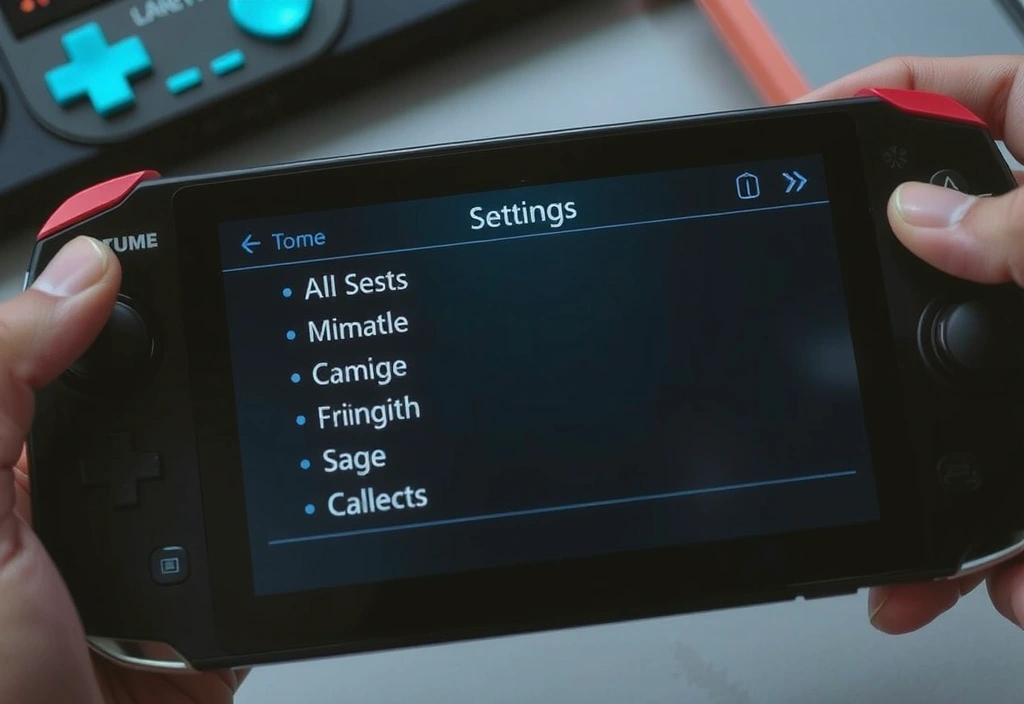
This repository is built for players and sysadmins who need exact technical parameters, not "restart your router" platitudes. Whether you're optimizing a Turkish cybercafé network or fine-tuning a Steam Deck mapping, you'll find the raw logic here.
Critical Logic Logs
Graphics Device Initialization
Commonly occurs on multi-GPU laptops or with outdated DX12 drivers.
Solution Path:
- Verify %LocalAppData% driver cache.
- Select "Dedicated Graphics" in NVIDIA/AMD Control Panel.
- Run
clickfield.exe -force-d3d11as a fallback.
High Network Latency
Diagnostic steps for packet loss on TurkNet or Superonline infrastructures.
Isolation Procedure:
- Disable IPv6 in network adapter settings.
- Check for "Bufferbloat" on your router's QoS settings.
- Avoid Istanbul-West servers during peak 19:00-22:00 window.
Steam Deck Config
Optimized SteamOS desktop mappings for precise click-trigger latency.
Pro League Access
Migration guide from trial accounts to professional tier licenses.
Optimization Manifest
Use this sequence to prepare your hardware for professional-level Clickfield deployment.
A OS CLEANUP
- Disable Fullscreen Opts
- Kill Discord Overlay
- Set "Ultimate Perf" Plan
- Mute Sys Notifications
B GPU PIPELINE
- Update to WHQL Drivers
- Limit FPS to Refresh Rate
- Enable Low Latency Mode
- Flush Shader Cache
C ENGINE TUNING
- Verify Integrity of Files
- Disable Head-Smoothing
- Set Replay Buffer Size
- Sync API Cloud Save
Complete all parameters to ensure ZERO-BOTTLENECK environment.
Protocol Lexicon
Asynchronous Compute
The ability for our engine to handle graphics and logic tasks simultaneously without stalling the pipeline.
It's non-negotiable for competitive integrity. We optimize for DX12 specifically to leverage this.
Input Quantization
How our application maps raw mouse/keyboard events to frame-perfect timing markers.
Raw input is often noisy. We prefer a strict 1:1 mapping over "smoothing" which adds felt delay.
Kernel-Level Driver
Anti-cheat and monitoring services that operate at the core of the operating system.
A necessary evil for security. We whitelist common systems like EAC to prevent false hardware bans.
Bufferbloat
Latency caused by a router holding too many packets while your 3G/4G connection is busy.
The #1 cause of "ghost hits." We recommend static IPs for professional Turkish tournament play.
Jitter Tolerance
The engine's ability to maintain synchronization when network packets arrive out of order.
Ours is high, but no engine survives >50ms of variance. Check your fiber drop immediately.
V-Sync (Vertical Sync)
Synchronizing the game's frame rate with the monitor's refresh rate to prevent screen tearing.
Disable it. Always. Tearing is better than the massive input lag V-Sync introduces.
The Method of Evaluation
How do we evaluate robustness? Our engineering team in Istanbul employs a "stress-to-failure" methodology. We don't just test on high-end rigs; we deploy Clickfield applications on hardware representing the bottom 25th percentile of active users—typically 4th-gen i5 processors with integrated graphics.
Technical Evaluation Note:
"Our benchmarks focus on Frame Time Consistency rather than just Raw FPS. A stable 60fps with no 1% lows is superior to 144fps that hitches during asset streaming." — Lead Backend Infrastructure Engineer
 99.9% Uptime SLA
Current Known Issues Log